When you're building a gaming PC, speed is king. The right components can make or break your gaming experience, and there are a few key parts to focus on. Let’s dive into what you should look for.
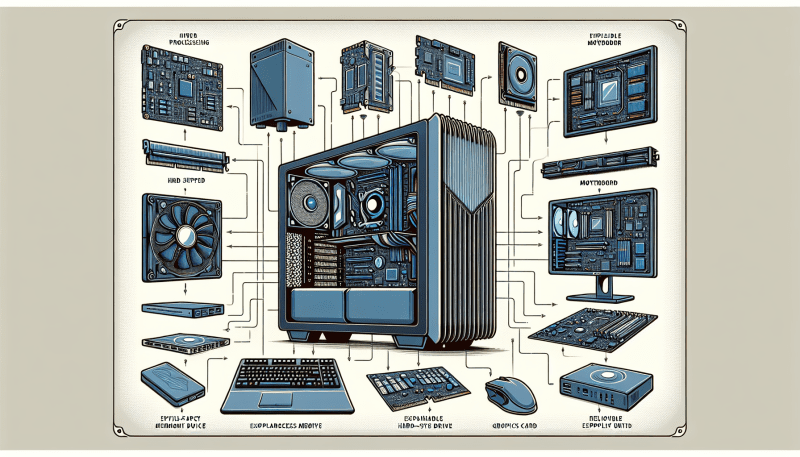
1. Processor (CPU): Your CPU is the brain of your PC, so you want it to be fast and efficient. Look for a model with multiple cores and high clock speeds. AMD and Intel both have great options. For gaming, something like the AMD Ryzen 5 or Intel Core i5 is often a sweet spot for performance without breaking the bank.
2. Graphics Card (GPU): This is where the magic happens in gaming. A powerful GPU allows for stunning graphics and smoother gameplay. Nvidia’s RTX and AMD’s Radeon series are popular choices. Make sure to check benchmarks for the games you plan to play, as higher performance here translates to better visuals and frame rates.
3. RAM: Having enough RAM is crucial for speed. You’ll want at least 16GB, but if you can swing it, 32GB is a great choice for future-proofing. Look for DDR4 or DDR5 RAM at higher speeds (like 3200MHz or above) to keep everything running smoothly.
4. Storage: Don’t skimp on storage speed! An SSD (Solid State Drive) will reduce load times significantly compared to a traditional HDD. It’s worth investing in at least a 1TB NVMe SSD for your operating system and favorite games. Consider adding a larger HDD for extra storage if needed.
Assemble Your PC Without the Hassle
Building a gaming PC can seem a bit overwhelming, but it doesn’t have to be! With the right components and a clear plan, you can assemble your dream machine without the hassle. Start by gathering all your parts—motherboard, CPU, RAM, graphics card, storage, and power supply. Having everything laid out will make the process smoother.
When you're ready to start, take a deep breath and find a clean workspace. Lay out your motherboard and install your CPU and RAM first. This makes it easier to work with before you put it inside the case. Don’t forget to check for notches on the RAM and CPU; they only fit one way, so it’s pretty hard to mess up!
Next, it’s time to have some fun with your graphics card. Pop it into the correct PCIe slot on the motherboard. Make sure it's secure since you want that puppy to perform well during intense gaming sessions. While you're at it, connect your power supply to the motherboard and other components. Each part usually has a specific connector, so it shouldn’t be hard to match them up.
Finally, install your storage drives and cable management. Use zip ties to bundle cables together for a neat setup. Clean, organized builds not only look better but can also help with airflow. After everything's hooked up, it’s time to power on and install your favorite operating system. You're closer to diving into those epic gaming adventures than you think!
Boost Performance with Effective Cooling
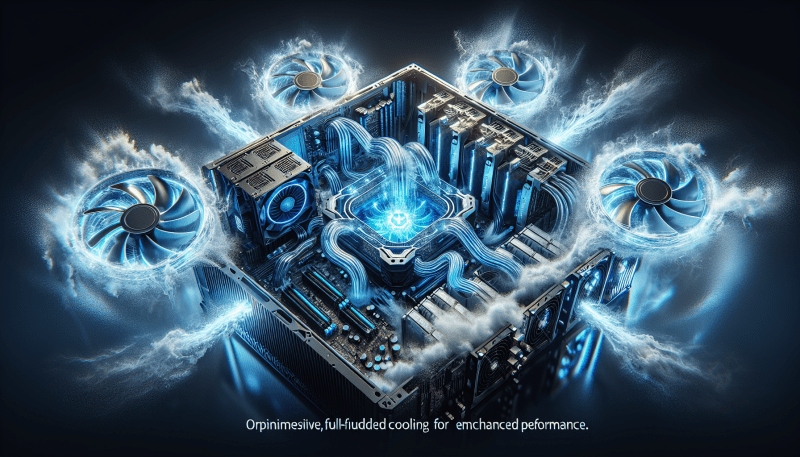
A gaming PC is only as good as its ability to keep cool under pressure. When you’re diving into those intense gaming sessions, your components generate a lot of heat. If they get too hot, performance drops, and nobody wants lag when they're trying to save the galaxy. That’s where effective cooling systems come in.
There are a few cooling options to consider:
Choosing the right cooling solution depends on your setup and how much you're willing to invest. If you’re planning on overclocking or running high-demand games, consider liquid cooling. But for most everyday gaming needs, a solid air cooling setup will do the trick.
Simply put, keeping your components cool means better performance and longer life. Invest wisely in your cooling system, and your high-performance gaming PC will thank you for it.
Optimize Settings for the Best Experience
To get the most out of your high-performance gaming PC, optimizing your settings is key. It’s like fine-tuning a race car; small adjustments can lead to a much better experience. Let's dive into a few important areas you’ll want to focus on.
Graphics Settings: Adjusting your graphics settings is one of the simplest ways to enhance your gaming experience. Start with your game’s options menu. Here are some tips:
Game Mode and Performance Settings: Windows has a built-in Game Mode that prioritizes your game's performance. To enable it:
Don’t forget about your power settings! Make sure your PC is set to high performance rather than balanced or power saver. This can give your CPU and GPU the boost they need during intense gaming sessions.
Lastly, regularly update your drivers. Graphics card updates are essential for maintaining the best performance. Just a simple update can make a big difference in how smoothly your games run!